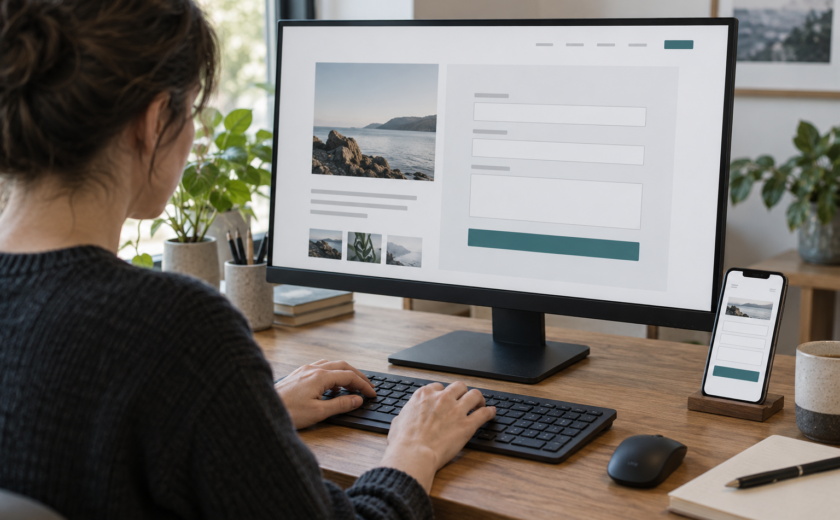
A customer finds the right product, chooses a size and proceeds to checkout. But the order button cannot be reached with a keyboard. The product page appears to work; for this customer the purchase ends there. It is the kind of barrier identified by the Dutch Authority for Consumers and Markets (ACM).
On 24 March 2026, ACM reported that placing an order with assistive technology was impossible on 61% of approximately 100 large Dutch online-store, telecom and energy-provider websites it checked. A further 33% had serious barriers that made purchasing considerably harder. These findings describe the selected websites, not a representative sample of all Dutch webshops.
The real test goes beyond the homepage
Accessibility is not just about readable text and colours. A customer must be able to search, choose a variant, add items to a basket, correct an address and pay. ACM cited inaccessible order buttons and CAPTCHA challenges as examples of obstacles that can stop a purchase altogether.
One checkout, several responsible teams
Imagine an illustrative shopping journey. The product filters work, the basket works, but a third-party payment dialog traps the keyboard focus. Frontend developers built the basket, the payment provider owns the dialog and the product team measures conversion. To the customer, however, there is only one purchase that cannot be completed.
What the legislation means
The European Accessibility Act has applied to certain covered services, including e-commerce, since 28 June 2025. Obligations and exemptions depend on the organisation and service. ACM says it will contact companies with the worst findings and may enforce compliance if sufficient improvements are not made. An accessibility statement does not itself prove that checkout works.
Test the entire task
Choose a realistic scenario: find an item, select a variant, put it in the basket, correct an invalid address and complete payment. Try it without a mouse, then repeat critical steps with a screen reader and enlarged text. Record lost focus, controls without accessible names and steps that cannot be completed. Automated scans can help, but they cannot establish that an entire purchase journey is usable.
Prioritise barriers that stop customers
Start with defects that prevent searching, selecting, entering details or paying. Repair shared controls such as dialogs, buttons and error messages where possible; test external payment and anti-bot components too. Build keyboard behaviour and regression testing into releases, and involve people with disabilities in evaluating the results.
Accessibility is measured by completing the purchase
A webshop is not accessible simply because its individual pages pass checks. Design, development, vendor selection and maintenance must support one continuous customer journey. The decisive question is whether customers can complete their purchase independently.
accessible form validation · accessible contact form checklist.
Sources
Contact us
Tell us how we can help; we will respond within two working days.